
Remote Security
Freelancer Browser Containers: Prevent SaaS Workspace Mix-Ups
A practical browser-isolation runbook for freelancers who juggle client SaaS accounts, uploads, extensions, downloads, sessions, and wrong-workspace incident response.
01Desk 01 · A data-grounded publication
Setups, ergonomic furniture, and remote-work gear — every recommendation cross-checked against Cornell Ergonomics, OSHA, and independent measurement.
Measured against
Work categories
Editor’s picks
Remote Security
A practical browser-isolation runbook for freelancers who juggle client SaaS accounts, uploads, extensions, downloads, sessions, and wrong-workspace incident response.
01
Remote Security
A remote-team workflow to verify invoice bank-detail changes through an independent channel, document approvals, hold suspicious payments, and escalate fast after a transfer.
02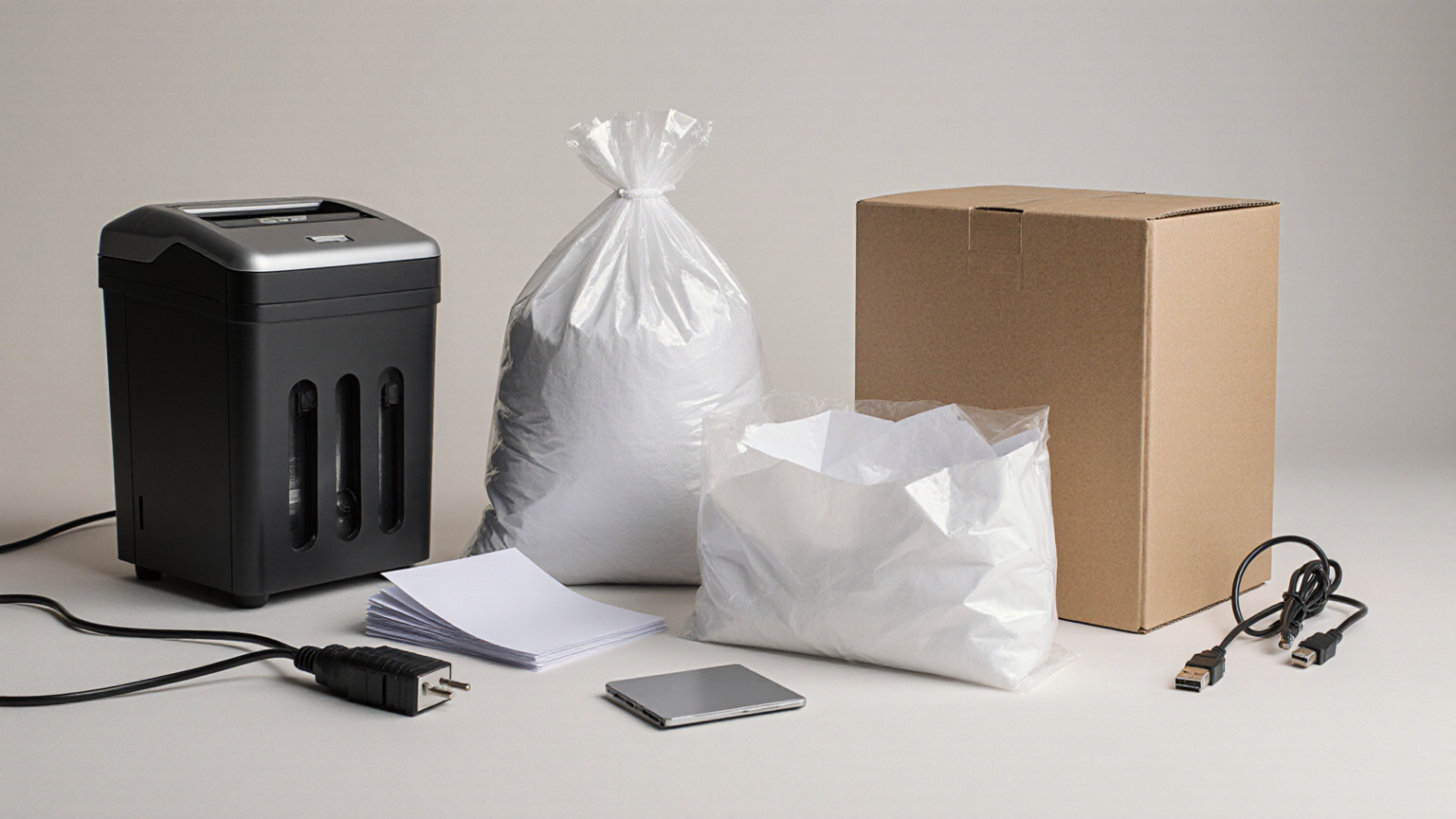
Remote Work Security
A policy-first workflow for sorting home-office paper, handling legal holds, clearing printer queues, and returning or destroying employer records and devices safely.
03Latest briefings
10 stories · sorted by date
Remote Work Security
A role-aware first-hour ransomware plan for isolating a device, contacting the right people, preserving evidence, protecting accounts, and maintaining work continuity.
Remote Work Operations
A privacy-conscious worksheet for estimating incremental remote-work electricity, internet, and equipment costs without confusing estimates, reimbursements, or tax deductions.
Remote Work Operations
A practical 2026 runbook for live captions, transcript review, equitable participation, privacy, retention, and meeting-platform limitations.
Home Office Health
A practical remote-work guide for CO2/ventilation clues, meeting fatigue, privacy-safe air breaks, and home-office scheduling changes.
Remote Work Setup
A practical 2026 remote-work plan for testing backup internet, hotspot limits, meeting fallbacks, router placement, and team communication before an ISP outage.
Remote Work Setup
A practical home-office continuity plan for heat alerts, rolling outages, router backup, meeting fallback channels, battery limits, and employer-safe communication.
Remote Work Security
A remote-worker checklist for guest Wi-Fi, router access, smart-home devices, client data separation, and safe household connectivity.
Home Office Ergonomics
A remote-worker plan for wrist discomfort: workstation checks, microbreaks, escalation signs, documentation, and manager-safe adjustments.
Home Office
A low-glare remote-work setup for migraine and light sensitivity, with lighting changes, screen habits, meeting boundaries, break design, and escalation signs for professional care.
Remote Work Operations
A practical pre-call checklist for keeping family photos, documents, screens, location clues, client materials, and household details out of remote-work video backgrounds.