Heat Wave Home Office Laptop and Battery Plan for 2026
A remote-worker checklist for hot rooms, laptop thermal throttling, power-flex schedules, safe battery use, meeting triage, and shutdown routines during heat waves.
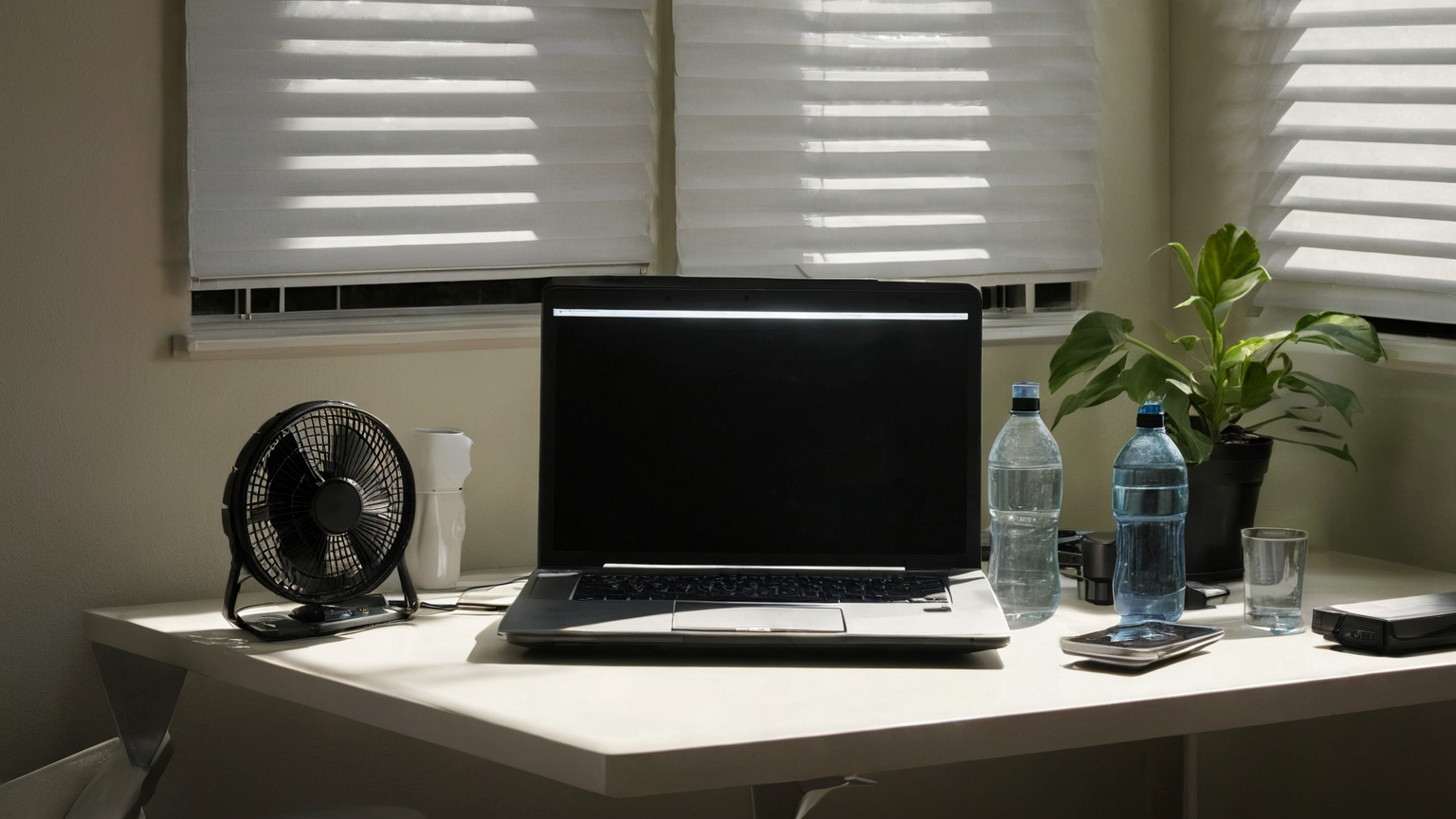
Updated June 5, 2026. Heat waves turn remote work into a systems problem: human heat stress, laptop heat, battery runtime, internet continuity, meeting load, and the temptation to keep working until something fails. This plan focuses on what a home worker can control before the room becomes uncomfortable or the grid becomes unstable. It is not medical advice or employer policy; use local heat alerts, workplace guidance, and common sense.
Quick operating mode table
| Condition | Work mode | Equipment move |
|---|---|---|
| Warm room, stable power | Normal blocks with hydration and airflow | Raise laptop, reduce sun, keep charger accessible |
| Heat alert or room rising | Reduced-meeting mode | Move to the coolest room and close blinds |
| Power-flex request or outage risk | Battery-conservation mode | Charge laptop/phone, download critical files, reduce video |
| Room unsafe or symptoms appear | Stop-work/escalation mode | Follow health guidance and employer emergency rules |
1. Protect the person before the laptop
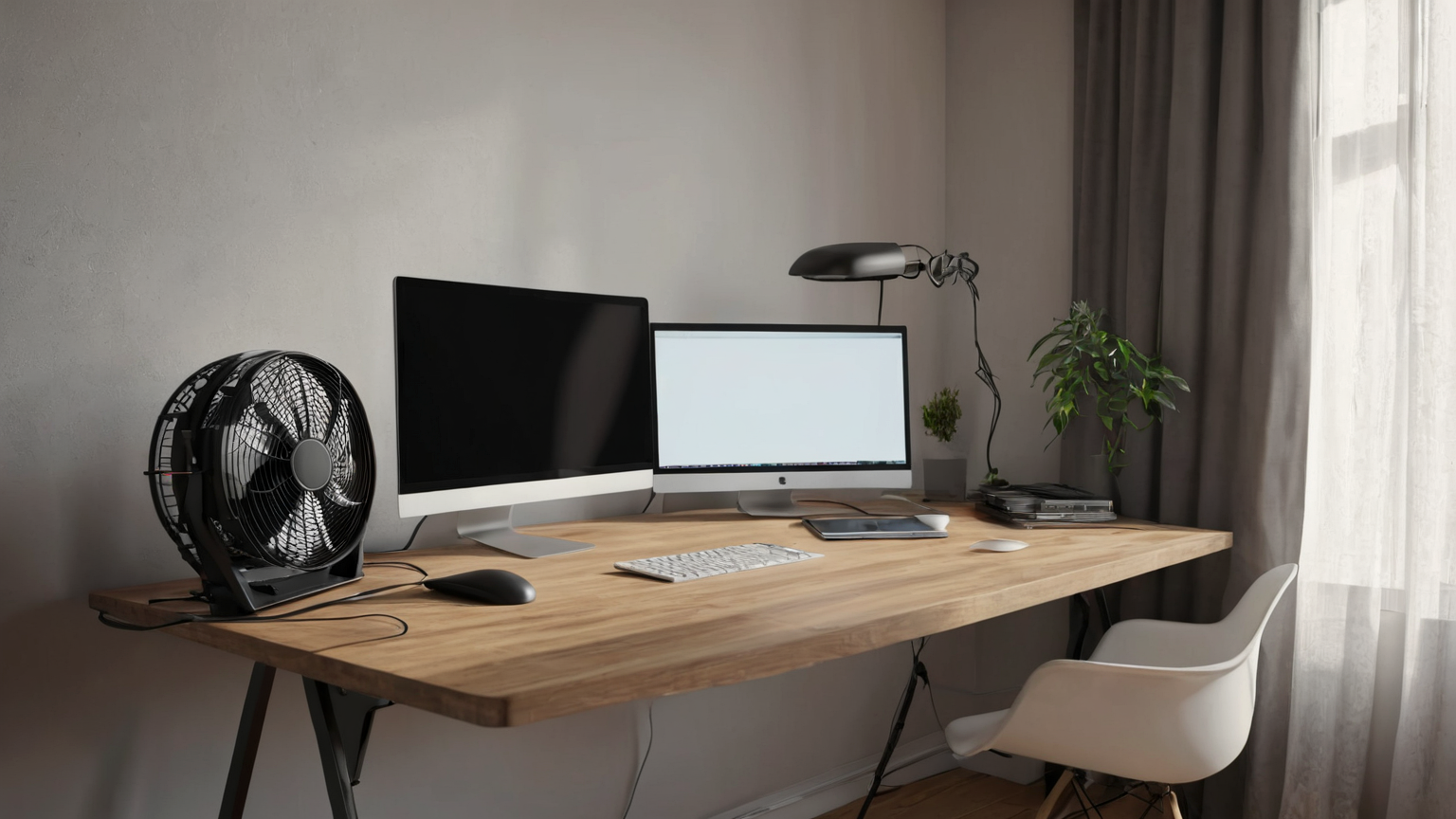
A faster fan curve is not a heat plan. Start with the room and the worker: shade the window, reduce direct sun on the desk, move to a lower or interior room if available, drink water, and pay attention to heat symptoms. If the home is becoming unsafe, productivity is not the priority. Remote workers should also know whether their employer has a heat, outage, or emergency communication policy for home-based staff.
2. Keep laptop heat boring
Thermal throttling usually appears as slow video calls, loud fans, charging pauses, or sudden shutdowns. Use a hard surface, keep vents clear, move the machine out of sunlight, close unused browser tabs, and avoid rendering, exports, or large sync jobs during the hottest block. If the charger or battery feels unusually hot, stop and follow manufacturer safety guidance. Never cover a charging laptop with bedding or papers.
3. Make a power-flex work block
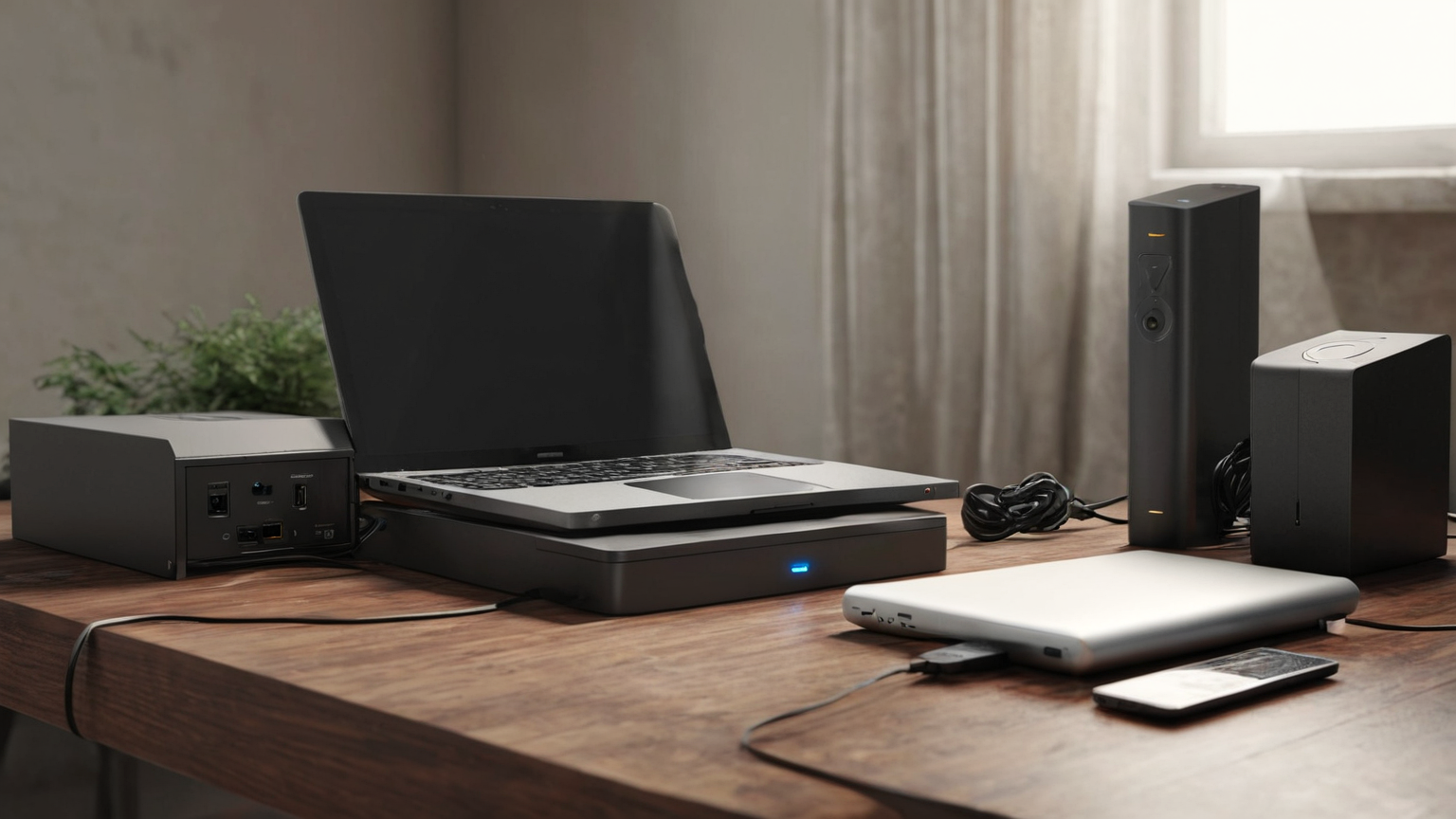
Before a likely outage, charge the laptop, phone, headset, and any approved battery bank. Download the documents needed for the next work block. Then decide which tasks can be done offline and which meetings can become notes. A good battery plan is not “work until zero”; it is a runway allocation: communication first, deadline-critical writing second, background sync last.
4. Triage meetings by heat and bandwidth cost
| Meeting type | Heat-wave adjustment |
|---|---|
| Status update | Async note or shorter audio call |
| Decision meeting | Keep, but circulate agenda and fallback phone number |
| Screen-heavy review | Record a lightweight walkthrough when power is stable |
| Optional social call | Reschedule |
Video is expensive when the laptop is hot and the network may be unstable. If the camera adds little value, turn it off and put the saved thermal and battery budget into the work that actually needs focus.

5. Do a shutdown routine before the equipment is stressed
At the end of the hot block, close unneeded apps, let the laptop cool on a hard surface, check whether backups synced, and document what moved to tomorrow. Do not leave batteries charging under direct sun or near soft furnishings. If you used a portable power station, follow its charging, ventilation, and storage instructions.
Practical checklist
- Put the laptop on a stand or hard elevated surface.
- Close blinds before direct sun reaches the desk.
- Charge critical devices before peak heat or outage risk.
- Convert low-value video meetings to async updates.
- Keep a manager-facing note template for outage or heat disruption.
- Stop work if the room becomes unsafe or official guidance requires action.
AdSense-readiness note
This article preserves RemoteWorkGeek quality by focusing on a concrete remote-work operating problem instead of product listicles. The next readiness gap is to add a short evergreen “remote-work emergency communication template” page and link it from outage, internet, and heat-related guides.